
If your office printer is slowing you down, eating through ink, or breaking down at the worst possible moment, you already know how much it costs your business, in time, money, and frustration.
At Printly, we work with small businesses every day, and the single most common complaint we hear is this: “We just need a reliable printer that performs well and without expensive ongoing costs.” Whether you are running a 5-person start-up or a growing 20-person office, choosing the right printer from the start makes a real difference to your day-to-day operations.
This guide covers everything you need to know to make a smart, informed decision for your business.
The first thing to get clear on is print speed. For any business printing more than a few hundred pages a week, you want a machine rated at least 25 pages per minute (ppm). Anything slower and you'll find your team queuing at the printer rather than getting work done. Colour versus mono is another important call, if your business regularly produces client-facing documents, proposals, or marketing collateral, a colour laser printer for small business is worth the investment. If it's mostly internal documents and invoices, a mono laser will keep your cost-per-page very low.
A4 versus A3 capability matters depending on your output. Businesses in architecture, construction, real estate, and design regularly need A3 printing, and upgrading later can be costly, so it pays to think ahead. Multifunction printers (MFPs) that combine printing, scanning, copying, and occasionally fax in a single unit are by far the most popular choice for small offices. They save desk space, reduce equipment costs, and simplify IT management.
Cloud and mobile printing has become a baseline expectation. Your team needs to print from laptops, phones, and remote locations without jumping through hoops. Look for printers with built-in Wi-Fi, Apple AirPrint, Google Cloud Print compatibility, and a proper mobile app. Security is also a growing concern, many modern business printers include features like user authentication, encrypted data transmission, and secure print release to ensure sensitive documents don't sit uncollected in the output tray.
Finally, always calculate the total cost of ownership, not just the purchase price. Factor in toner cartridge yields, paper capacity, and whether the machine supports high-volume duty cycles. A cheaper printer that burns through toner or breaks down frequently will cost far more in the long run than a robust commercial-grade machine purchased upfront.
We've selected a range of office printers at Printly that cover the full spectrum of small business needs, from lean start-ups to fast-growing offices. Here are our top recommendations.
The Sharp BP-51C26 is our entry-level pick for small businesses that need professional A3 colour printing without overcommitting on budget. Running at 26 ppm in both colour and mono, it handles everything from everyday correspondence to client-ready documents with ease. It supports mobile and cloud printing out of the box, meaning your team can print from their phones or laptops without any configuration headaches. Security features are built in to ensure safe, authorised operation, important even for smaller teams handling confidential client data. If you're a small business dipping your toes into A3 colour printing for the first time, the BP-51C26 is an excellent starting point.
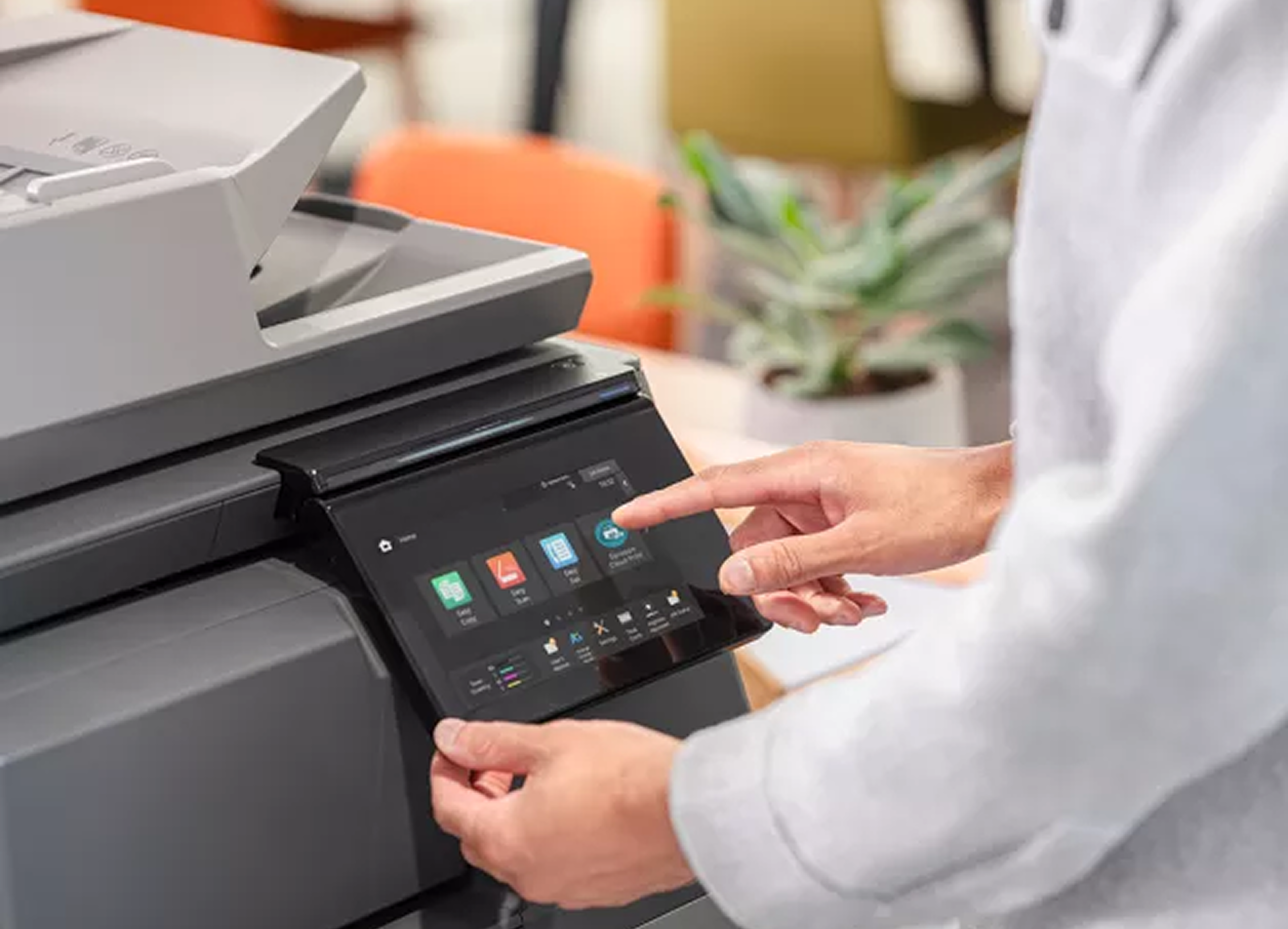
Stepping up in speed and intelligence, the Sharp BP-71C31 delivers 31 ppm and brings a large colour touchscreen interface that makes it genuinely easy for everyone in the office to use, no IT degree required. Smart integration features allow it to connect seamlessly with your existing cloud platforms and workflows, reducing the manual handling of documents. This model sits in a sweet spot for small offices of six to fifteen people who need reliable volume output, intuitive operation, and future-proof connectivity. It's one of our most popular recommendations for professional services firms, accountants, and healthcare practices across Australia.
For businesses that simply cannot afford downtime or slow turnaround, the Sharp BP-70C65 is in a class of its own. At 65 ppm, it's a production-grade machine in a compact commercial form factor. Rapid duplex scanning means you can digitise large document sets quickly, and cloud connectivity keeps everything flowing between your team without physical handling. The BP-70C65 also includes advanced security features, including encrypted storage and secure user authentication, making it ideal for legal firms, financial services, and any business managing sensitive client documentation. If your print volumes are high and your standards are higher, this is the machine we recommend.
The HP 877 is built for businesses that demand enterprise-level reliability from their office printer. It comes equipped with HP Wolf Security, one of the most robust security frameworks available in any commercial printer, protecting your network and documents from the device level up. Modular upgrade options mean the HP 877 can grow alongside your business, adding functionality as your needs evolve without requiring a full replacement. For businesses operating in regulated industries or those with strict data governance requirements, the HP 877 delivers the confidence and compliance capability you need.
The Lexmark XC2335 is a smart choice for small businesses that want capable MFP performance in a compact footprint. Printing at 33 ppm with built-in duplex scanning, it handles the daily workload of a small office efficiently without taking over your workspace. Lexmark has built a strong reputation for sustainability, and the XC2335 reflects that with energy-efficient operation and a design built for longevity. If you're conscious of both your environmental footprint and your running costs, the Lexmark XC2335 is a genuinely attractive option. It's also a reliable choice for businesses that want a no-fuss, dependable MFP from a brand with a strong service network in Australia.
This is one of the most common questions we get, and the answer for most small businesses is clear: laser wins. Laser printers use toner cartridges rather than ink, which means they're faster, more consistent, and far cheaper to run at volume. A laser printer's cost-per-page is typically a fraction of an inkjet's once you're printing regularly, and the output quality on text and line graphics is excellent.
Inkjet printers do have a place, they're generally better for photo-quality colour output and are often cheaper to buy upfront. But for a small business environment where you're printing proposals, reports, invoices, and client documents day in and day out, an inkjet will cost you more in consumables, print more slowly, and require more maintenance. Unless you have a specific photographic or creative print requirement, a laser or LED-based multifunction printer is the right tool for the job.
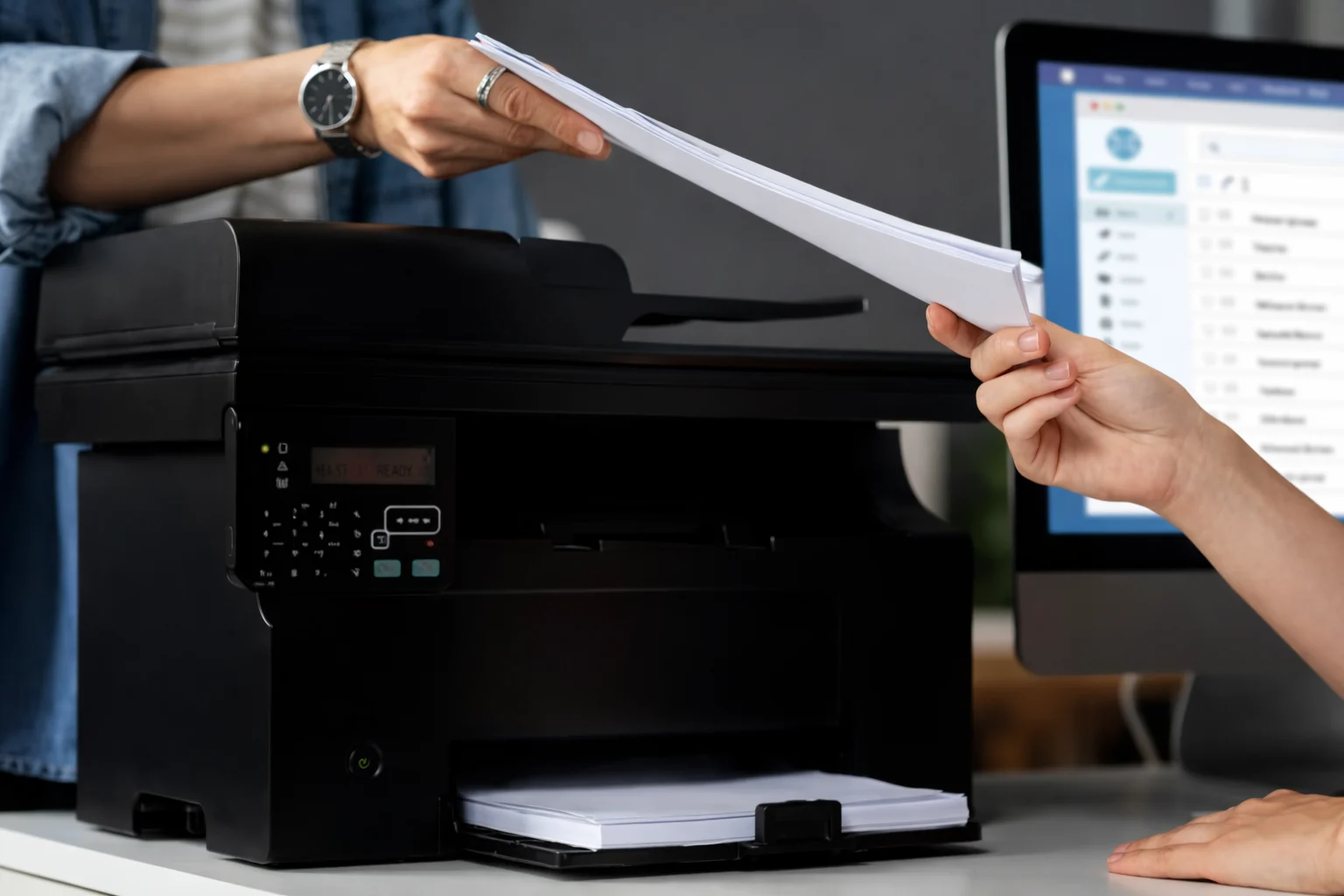
For micro businesses with one to five staff, the priority is usually simplicity and low running costs. You need a reliable MFP that handles everyday printing and scanning without demanding constant attention. The Sharp BP-51C26 or the Lexmark XC2335 are both excellent fits here compact, capable, and affordable to operate.
Small offices with six to twenty staff need more speed and a higher paper capacity to avoid constant refills and print queues. At this scale, we typically recommend looking at machines capable of 30 ppm or more, with at least a 500-sheet paper tray and robust duplex scanning. The Sharp BP-71C31 and HP 877 both perform well in this range, with the added benefit of smart integrations that keep multi-user offices running smoothly.
For growing businesses heading toward 20 or more staff, or those with high daily print volumes, it's worth investing in a production-grade machine from the outset. The Sharp BP-70C65 is built precisely for this, it can handle substantial monthly volumes without breaking a sweat, and its security and cloud features scale with your business. Getting the right machine now saves the cost and disruption of upgrading too soon.
At Printly, we're a specialist commercial printer supplier focused exclusively on helping Australian businesses find and maintain the right print solutions for their business environment. Our clients come to us because they want expert advice, not a sales script and they know we'll still be here when they need support down the track.
Sharp, HP, and Lexmark are all represented in our range because they consistently deliver on reliability, running costs, and ongoing support. We work with businesses from sole traders printing a few hundred pages a month through to busy offices with complex document workflows and high-volume needs.
When you contact Printly, you're speaking with someone who understands print and takes time to learn about your print volume, your team size, your document types, and your budget and we'll point you to the machine that genuinely suits your business needs. We also handle delivery, setup guidance, and ongoing support, so you're never left figuring things out on your own. That's the Printly promise: print confidently, every time.
1. What is the best printer for small business in Australia?
The best printer for small business depends on your volume, team size, and output requirements. For most small businesses, a colour laser MFP like the Sharp BP-51C26 or Lexmark XC2335 offers the ideal balance of speed, quality, and running costs. If your volume is higher or you need A3 capability, the Sharp BP-71C31 or BP-70C65 are worth considering.
2. Is a laser printer worth it for small business?
Absolutely. For any business printing more than a few hundred pages per month, a laser printer pays for itself quickly through lower cost-per-page and faster output.
3. How much should a small business spend on a printer?
The budget varies widely depending on your requirements, but most small businesses can find a capable commercial MFP in the range of $1,500 to $8,000 AUD. It's important to look beyond the purchase price and consider total cost of ownership, including toner, paper, and maintenance.
4. Can I get a printer on a lease or rental plan in Australia?
Yes, leasing and rental plans are a popular option for small businesses that want to manage cash flow and avoid large upfront capital expenditure. Contact Printly to discuss what options are available for the models in our range. Leasing can also include servicing arrangements, so your printer stays in peak condition without additional overhead.
Book your free workplace assessment and see how we can streamline your printing, optimise workflow, and deliver a smarter, cost-effective solution for your business!